
You focus on driving.
AI watches the back seat,
start to finish.
From setting off to after you get out, six AI alerts keep watch over the whole back seat.Guardian Halo+ takes the place of your rear dome light, and its alerts make sense at a glance. It’s Physical AI: the AI runs right on the camera in your car, so your video never goes to the cloud. And there’s no microphone.
- Your video never goes to the cloud
- Sees all three seats at once
- Dome light, from your phone
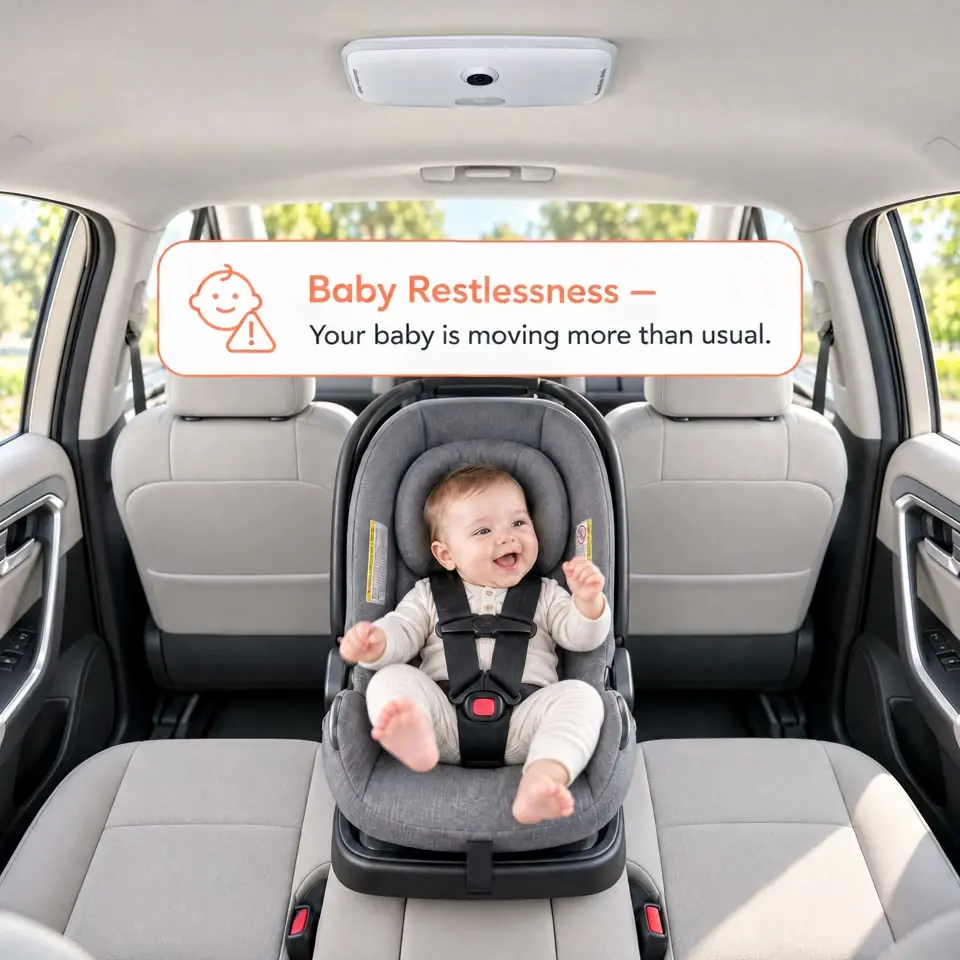
From the ceiling, it sees the whole back seat.
Guardian Halo+ takes the place of your rear dome light.It runs on the dome light’s power and mounting points and looks down from above, so you can see everything happening across the back seat.
-
Every seat, rear-facing infant seats included
Left, center and right are watched continuously. From the ceiling, your child stays in view whether the seat faces forward or back.
-
It’s still a real reading light
Switch it on and dim it from the app, no reaching back. After dark, it’s also the light that keeps the camera seeing.
-
Six alerts you can tell apart at a glance
Leaving the area you set, frequent movement, a face drifting out of frame, a covered face, a child out of sight, a child still on board. Each can be switched off on its own, and each looks like itself — so you know what it means without having to work it out.
Once it’s in, there are no extra cables in sight. The one requirement: it has to match the fitting your car came with.
Vehicles it fits today
- Toyota RAV42019–2025 · 5th generation
- Toyota RAV42026–2027 · 6th generation
More models are in development, and which comes first depends on demand. Your car isn’t on the list? Tell us — every request counts.
Manuals & the app
The full user manuals, from installation and pairing to every setting, and the app download are on the Support page.
Go to SupportYou watch the road.
It watches the back seat.
The five things that matter most while you drive: the moment one happens, an alert pops up on your phone, and a glance tells you what it is. The sixth waits until you get out.
The six icons on your phone, each with a fixed color and shape. A drive or two, and you’ll know them on sight.
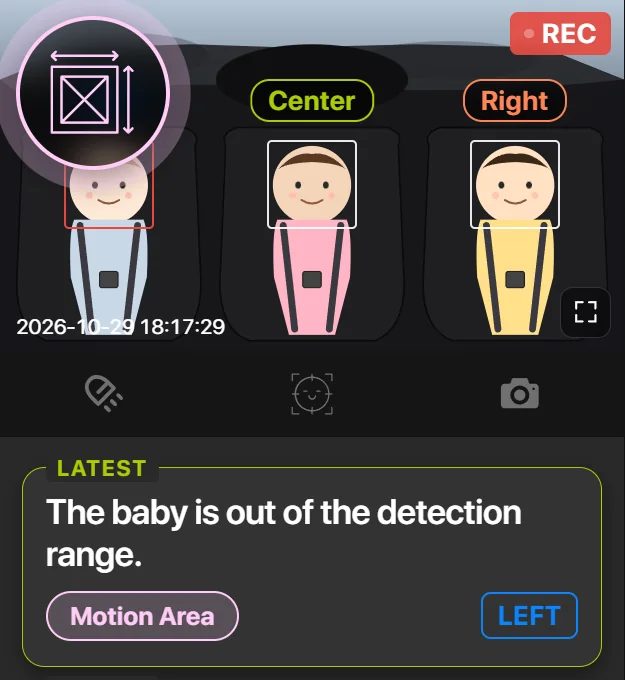
Out of the area you chose
You set the area to watch; the moment your child leaves it, it lets you know.
Picture this: You set the left seat as the area to watch and merge onto the highway. Ten minutes later, your toddler has wriggled a shoulder out of the harness and is sliding toward the door — and a pink alert icon has already popped up at the top left of your phone screen, before you’d have noticed a thing.
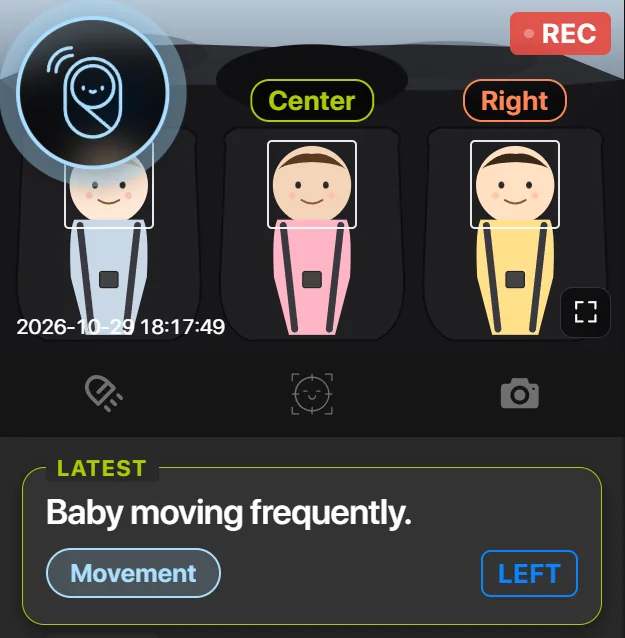
On the move before the meltdown
When your baby moves around a lot in the seat, it lets you know. Maybe too warm, carsick, or about to cry — you find out while there’s still somewhere to pull over and check.
Picture this: Forty minutes into a highway drive, your six-month-old starts kicking and twisting against the straps. A sky-blue alert icon pops up, and the card reads Baby moving frequently. You take the next exit, peel off a layer, offer some water — instead of finding out the hard way ten minutes later.
One tap to see your baby’s face up close
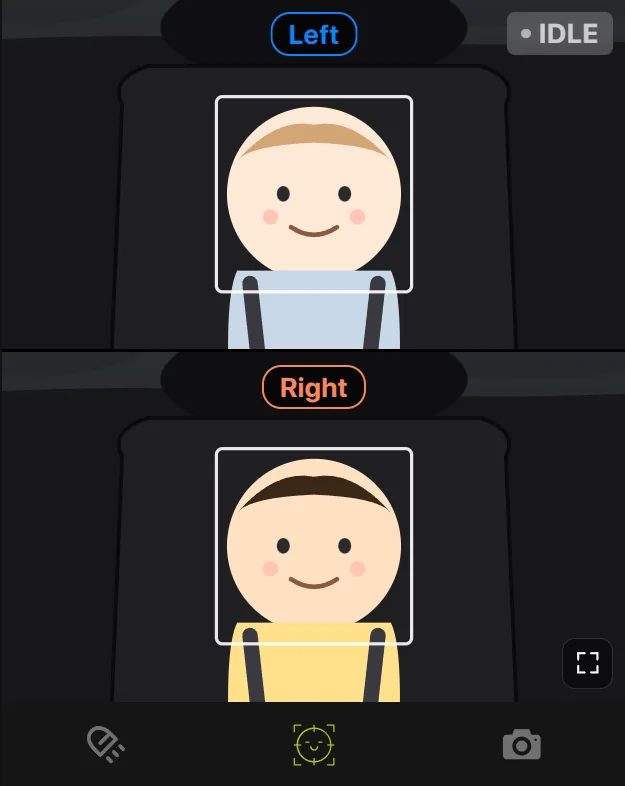
Tap Face Center and it finds your baby’s face, centers it and zooms in — and follows along when your baby moves. Asleep or awake, comfy or fussing, you can see it at a glance. If the face is about to slip out of frame, it lets you know.
Picture this: You’re in the passenger seat, and the back has been quiet for a while. From the ceiling the whole back seat is in view, but your baby’s face is tiny — you can’t tell if she’s asleep. One tap on Face Center and the view zooms in on her face: eyes closed, a little smile. With two kids in the back, the screen splits in two, each half zoomed in on one face.
It tells you when it can’t see them
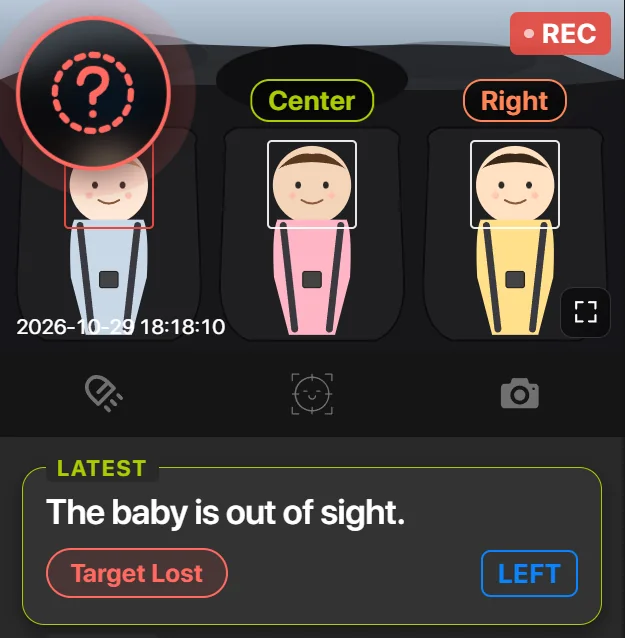
If your child slips below the seat or something covers the lens, Guardian Halo+ tells you the moment it loses sight of them.
Picture this: Your four-year-old leans forward for a dropped dinosaur and dips below the seat line, just as the diaper bag slides across the lens. A red question-mark icon pops up on your phone, and the card reads The baby is out of sight.
Something is over their face
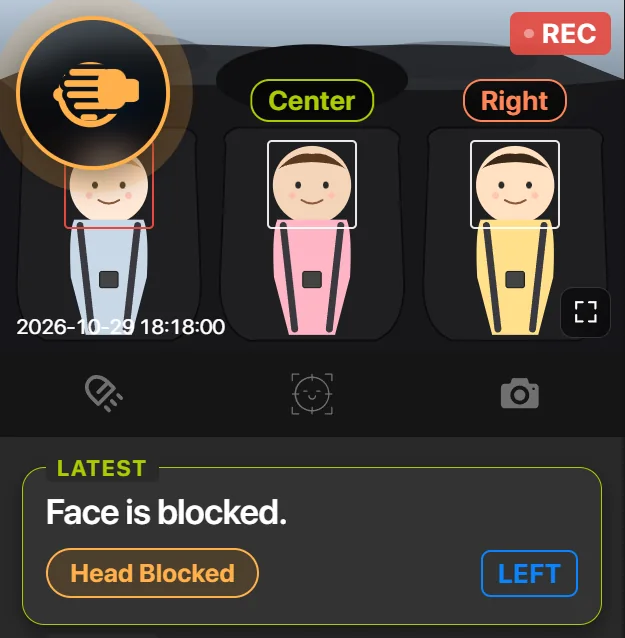
When a blanket, a muslin or a plush toy covers your child’s face, it lets you know — no waiting for the next rest stop.
Picture this: You drape a muslin blanket over the car seat to keep the low winter sun out of your newborn’s eyes. A few turns later, it has slipped down over her nose and mouth. An orange alert icon pops up, and the card reads Face is blocked. You pull over at the first safe spot and lift it away.
Then you park.
The engine stops. The watching doesn’t.
She’s still in her seat.
You’re already walking away. The camera hasn’t stopped watching, and the app still remembers the last thing it saw: a child on board.
Guardian Halo is the one that notices.
The moment it drops off the camera’s network — which is exactly what walking away does — the app raises the alarm itself. Full screen, and it doesn’t stop until someone stops it.
And then she’s back in your arms.
One less reason to turn around.
Talk to us about retail, installation partnerships, or installing Guardian Halo+ at the factory.