

Buckle in, and AI detects every child automatically.
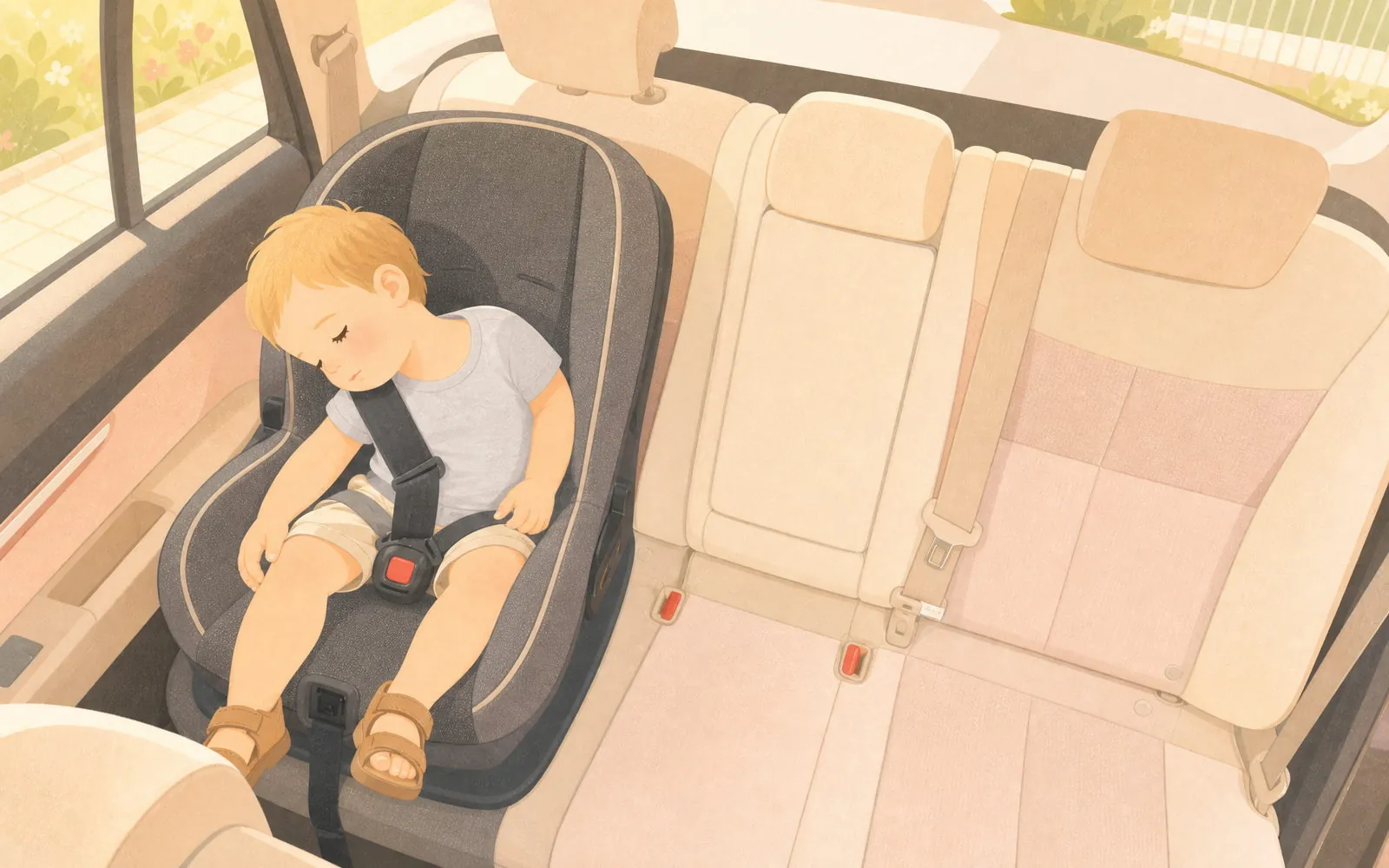
Nothing to set up, nothing to aim.The camera looks down from the ceiling with the whole back seat in view, and starts detecting the moment it powers on.
Three places a child can be.
Left, center and right are fixed the moment the camera is installed — nothing for you to line up. Every alert after that names the seat.
- Left
- Center
- Right
While detecting, it draws two frames on each child — one around the head, one around the whole body — and clears them once it’s done.
- LookingGreen frames appear — one around the head, one around the whole body.
- FoundThey turn white. That’s when the watching begins.
- GoneAbout five seconds later they fade, and it’s just your child on screen again.
Watching starts only when you tap OK. That way, while you’re settling everyone in and buckling up, Target Lost alerts don’t keep interrupting you.
On your phone
Confirm the focus area:The green frames show what the Guardian Halo sees — the head and the baby. Tap OK to start monitoring, or Re-detect to scan again.
OK Re-detectSo what does “two” mean?
It watches all three. It zooms in on up to two.
All three seats are detected all the time; only Face Center’s close-up is limited to two. With a child in all three seats, the app asks you which two to bring in close:
3 Objects Detected Please assign 1 or 2 Detection Areas
- Left Detected Face Center
- Center Detected Face Center
- Right Detected Face Center
No need to set anything: all three seats stay detected, and with a child in every seat, Face Center starts with the left and the right. To change it, go to Settings any time.
And the seat without a close-up?
Still detected, still sends the same alerts, still in the picture — it just doesn’t get a close-up of its own. Changing which two are framed takes seconds, without getting out of the car.
All three seats are watched whether or not you assign anything. The “two” is about the close-up, not about who’s being watched.
Only you know which two you want to see up close on this trip, so the app asks rather than guesses — and you can change it along the way.
With a child in all three seats and none assigned, Face Center frames the outer two first. The middle seat is still detected; it just doesn’t get a close-up of its own.
Zoom in on their faces, up to two at a time.
The middle button underneath is Face Center: tap it and it finds your child’s face, centers it and zooms in. With children in two seats, the view splits in two, one face each, while the third seat is still detected behind them.
Digital zoom, not a moving camera. Face Center crops and enlarges the one overhead image. There’s no motor, no pan and no tilt.
Left
Right